

Service information
Description
MP3 Editor is an online service that allows you to easily cut audio files. With both free and paid plans, you can access this service via the website or Android app after registering an account. Edit your MP3, WAV, M4A, and other audio files without the need to download any software.
✂️🔊
Cut Audio
inputs
outputs
Features
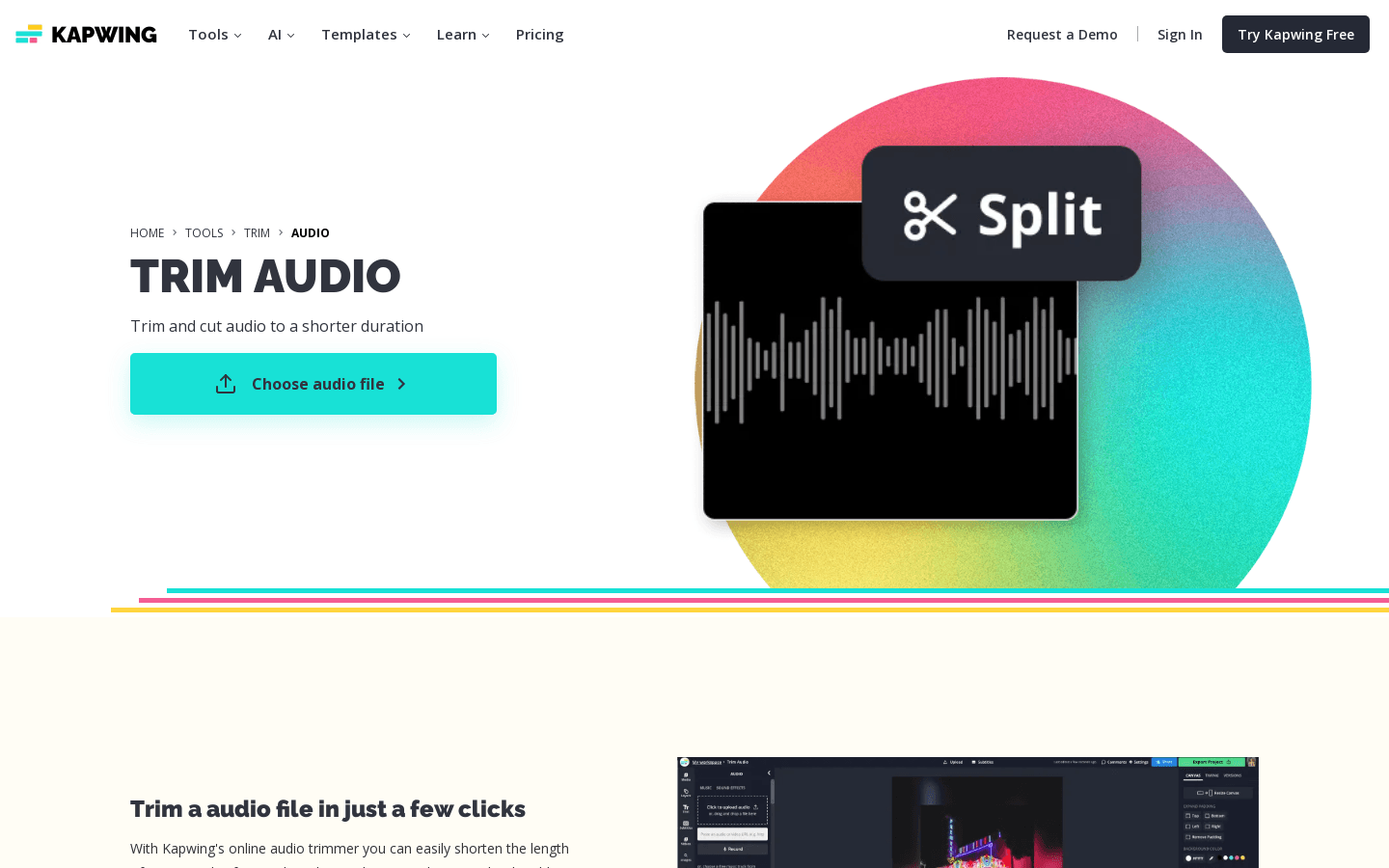
- MP3 Editor lets you trim and cut audio files easily.
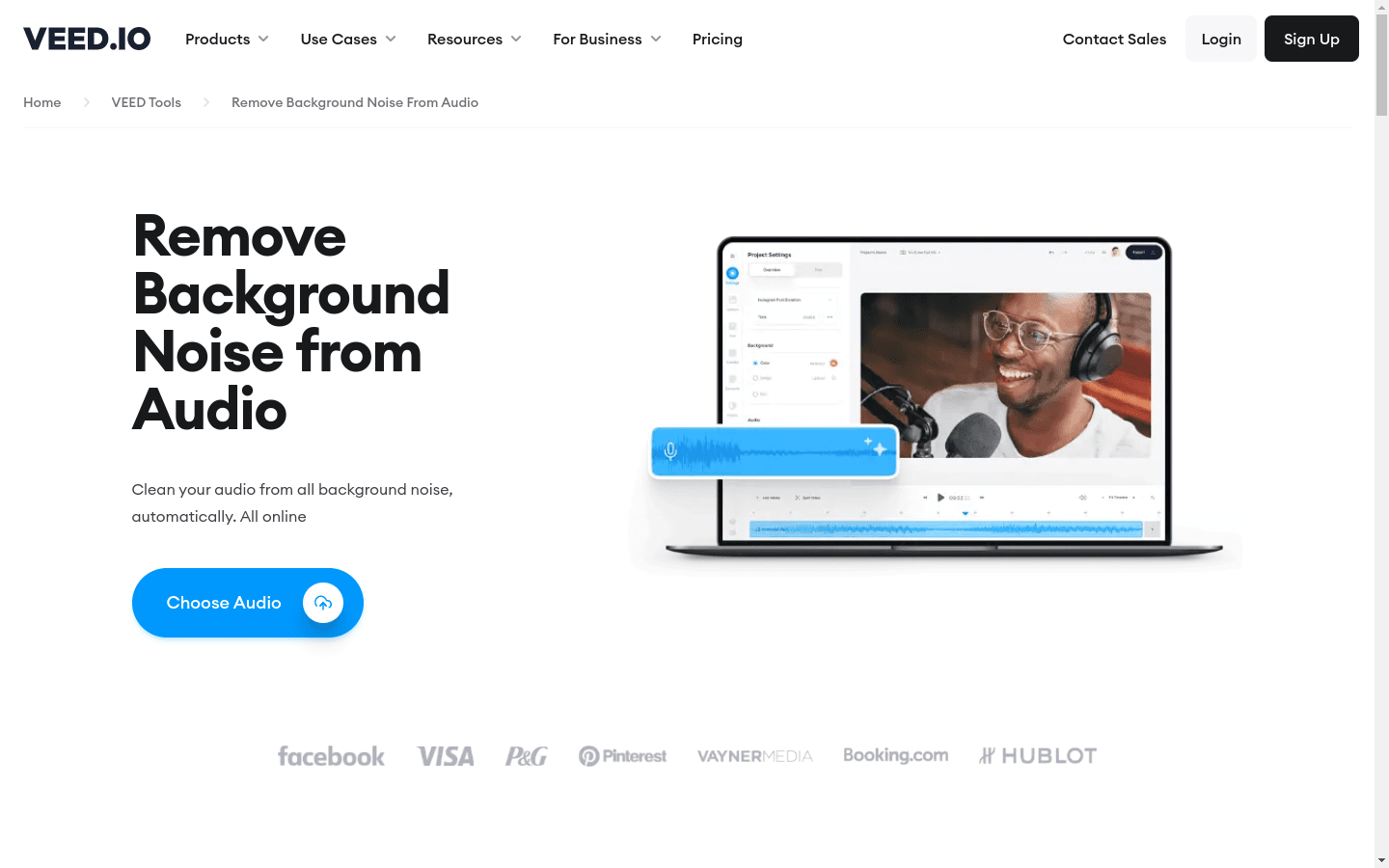
- The service allows you to remove background noise from your audio files.
- You can add audio effects to your audio files using MP3 Editor.
- It offers a feature to convert your audio files into visual waveforms.
- MP3 Editor provides access to hundreds of free audio files and sound effects.
Perfect for
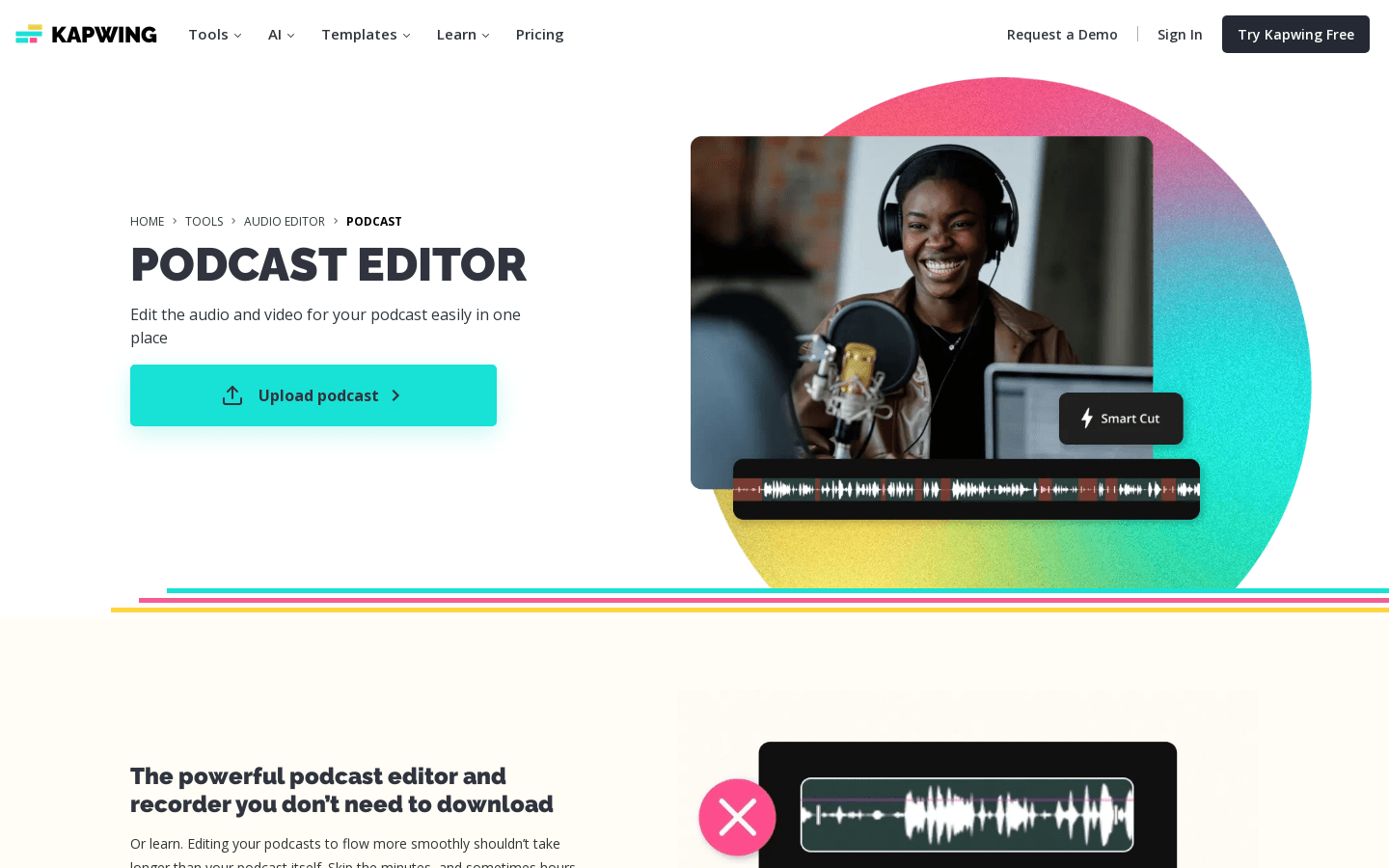
- Podcasters would find MP3 Editor useful for their work.
- Music producers can use it for editing their audio files.
- Content creators, especially those on Instagram and YouTube, can use it for their audio needs.
- Social media influencers may find it handy for enhancing their audio content.
- General users who need to edit audio files can also use MP3 Editor.



Share this page: