

Service information
Description
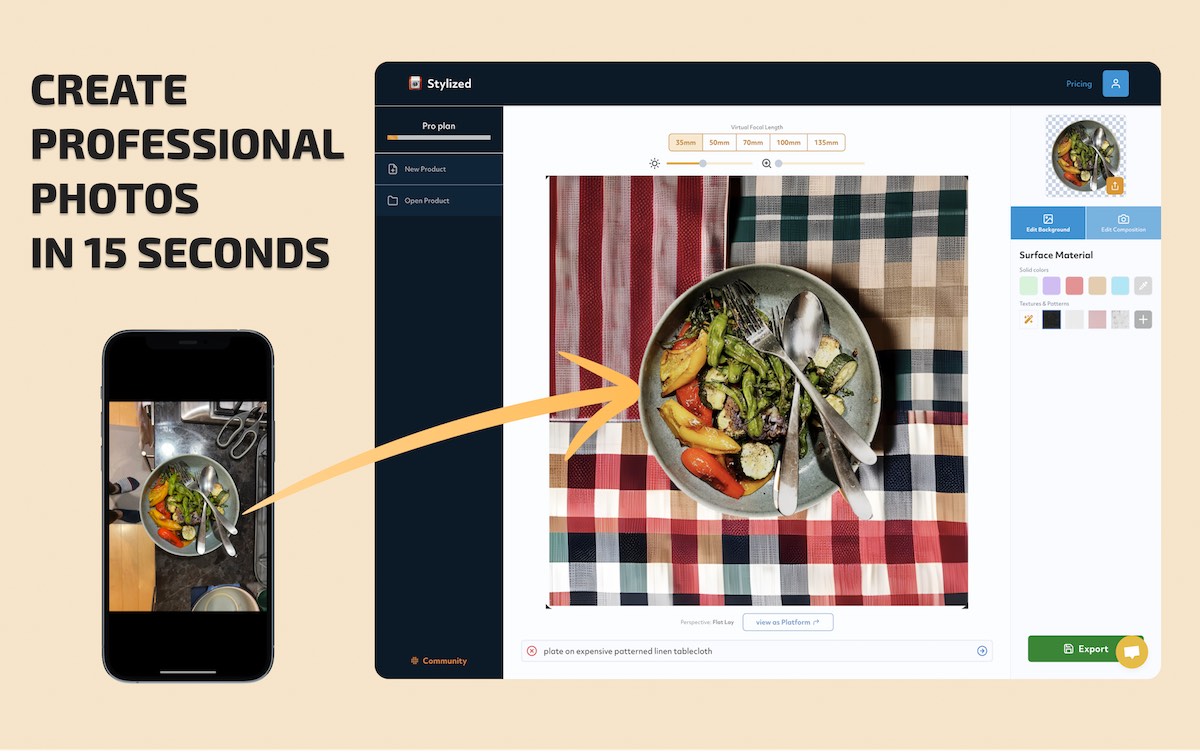
Photoshift is an online service that allows you to seamlessly blend your product into any stock image or midjourney scene for realistic visuals. Simply upload a scene and your product image, and Photoshift will remove the background and shift your product into the scene. Free and paid plans available. Sign in with Google and email required.
📸🎨
Blend Product Image With Background
inputs
outputs
Features
- Photoshift lets you seamlessly blend products into any stock images or scenes.
- You can instantly shift your products into any uploaded scenes.
- Photoshift supports different image resolutions (512x512 and 1024x1024), so your visuals always look sharp.
- You can upscale your product images to make them fit perfectly in any scene.
- The service automatically removes backgrounds from your product images, saving you a lot of manual work.
Perfect for
- Product photographers will find Photoshift incredibly useful for creating realistic visuals.
- E-commerce businesses can use Photoshift to create product images that stand out and drive sales.
- Marketing professionals can utilize Photoshift to create striking visuals for campaigns.
- Graphic designers can use Photoshift to blend product images into any scene, adjusting the angle, composition, and size as needed.





Share this page: