

Service information
Plans
freepaid
Platforms
Description
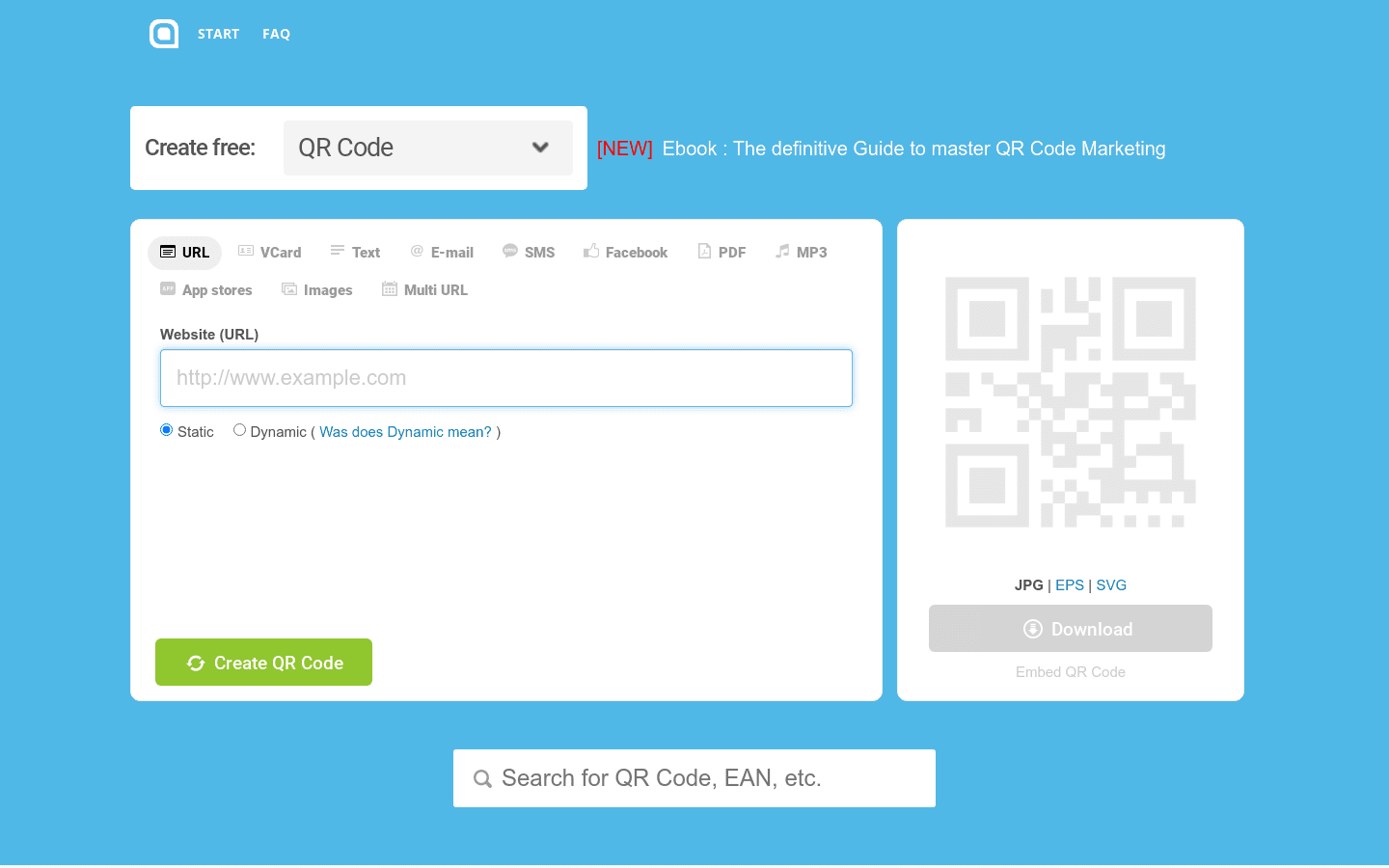
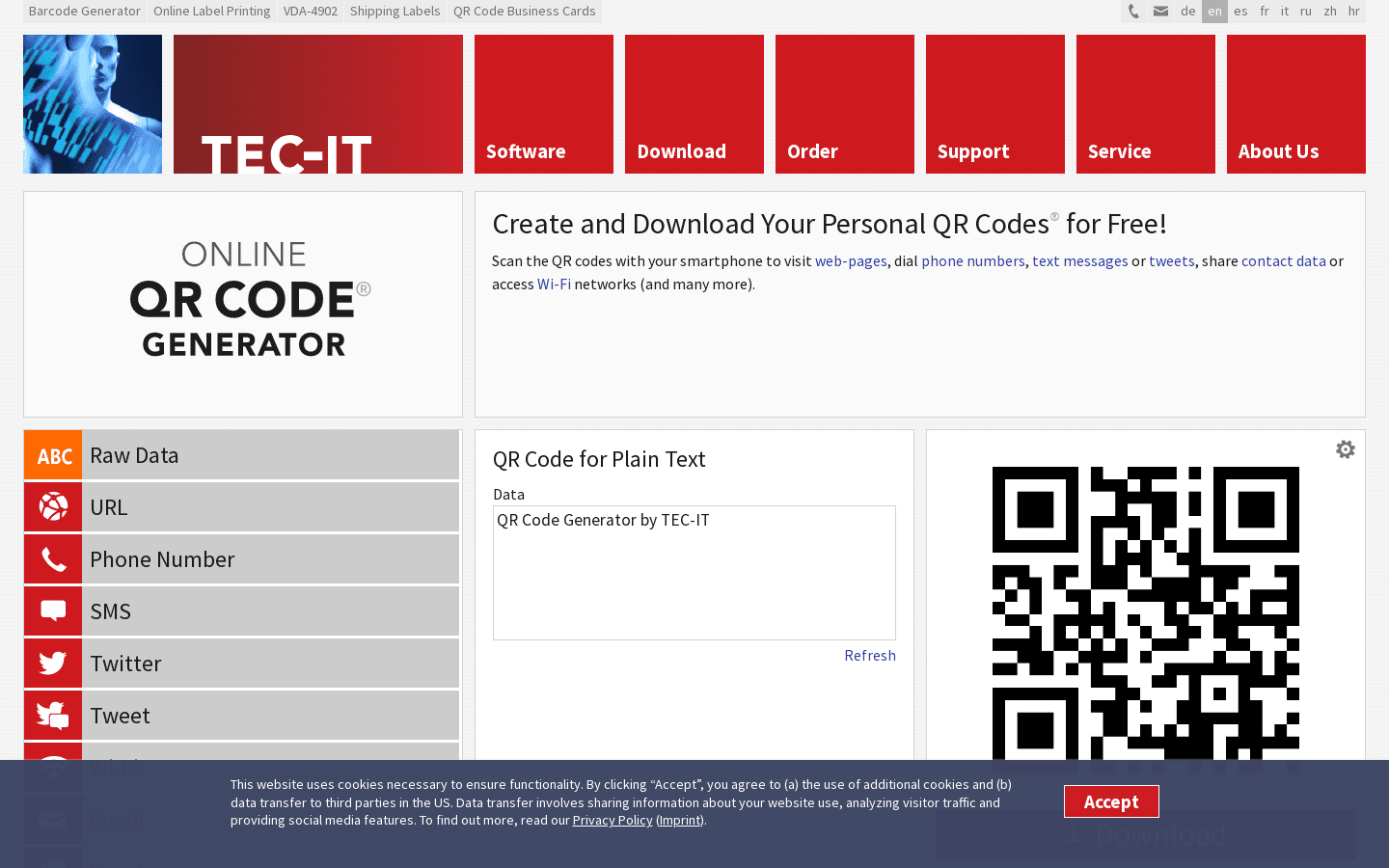
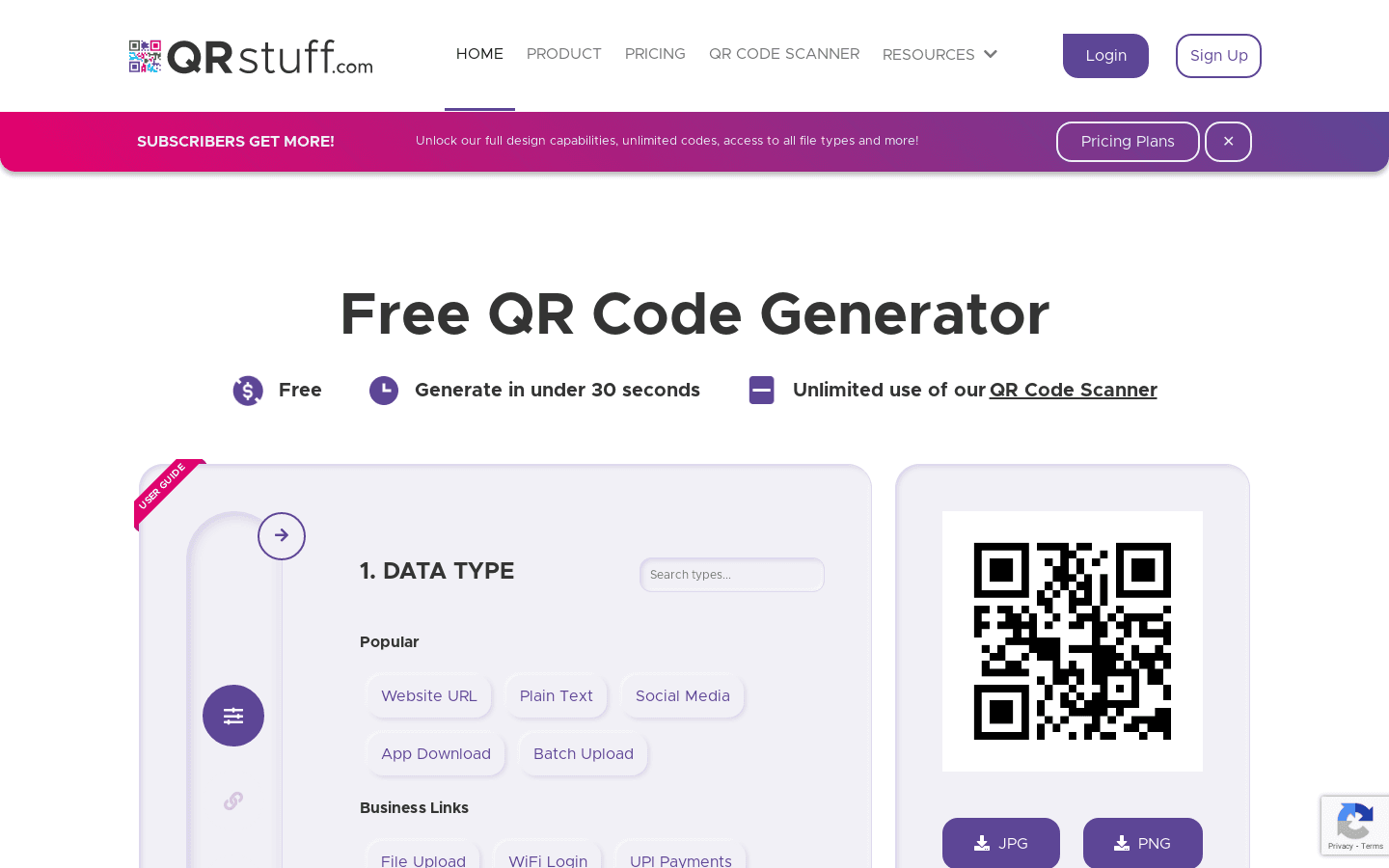
Just enter your text, your URL, a SMS or vCard contact information. The QR code will be generated automatically as you type.
🌐🔲
Generate QR Code
#1
inputs
outputs
#2
inputs
outputs
#3
inputs
outputs
#4
inputs
outputs
Features
- You can download the QR code you've generated.
- It lets you create a QR code with your logo in it.
- You can embed the QR code on your website or any online platform.
- You can preview the QR code live as you create it.
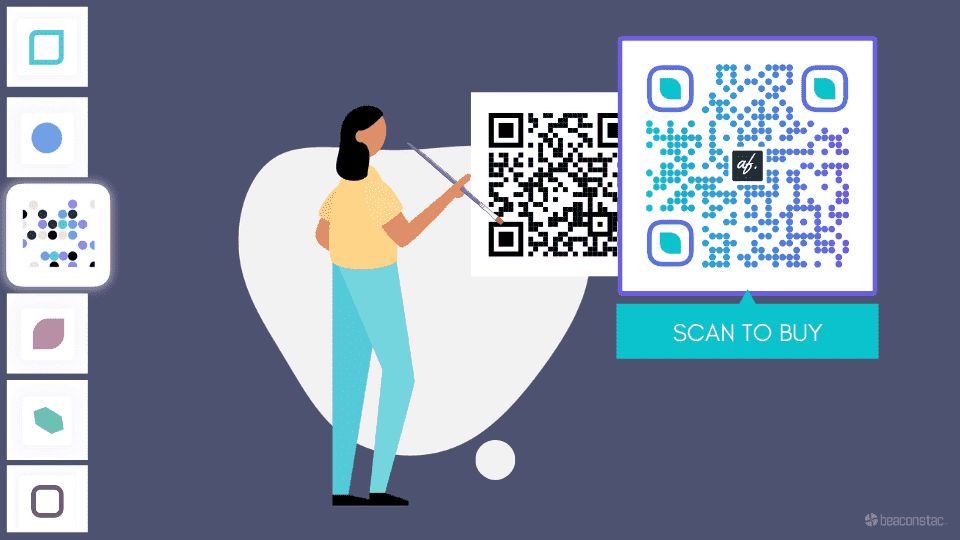
- You can generate colored QR codes and customize them with logos, too.
Perfect for
- Businesses can use it to share information through QR codes.
- Individuals who want to share their contact info or any text can use it.
- Anyone who wants to embed a QR code on their website can use this.
- People who want to customize their QR codes with their logo can use this.
- Anyone who needs to generate a QR code for any purpose can use this service.




Share this page: