
split PDF
📄➗Divide a PDF file into separate pages or sections, creating a new document with the extracted content. This helps in organizing and sharing specific parts of the original file.


Soda is an online service that allows you to split and merge PDF files. It offers both free and paid plans and can be accessed through the website or Windows app. You can split PDFs from Google Drive, Dropbox, or by uploading files. The service requires a Google sign-in and account registration. With around 600 monthly visits, Soda provides a convenient solution for extracting specific pages from PDFs while maintaining their quality. However, it does not support splitting password-protected files.

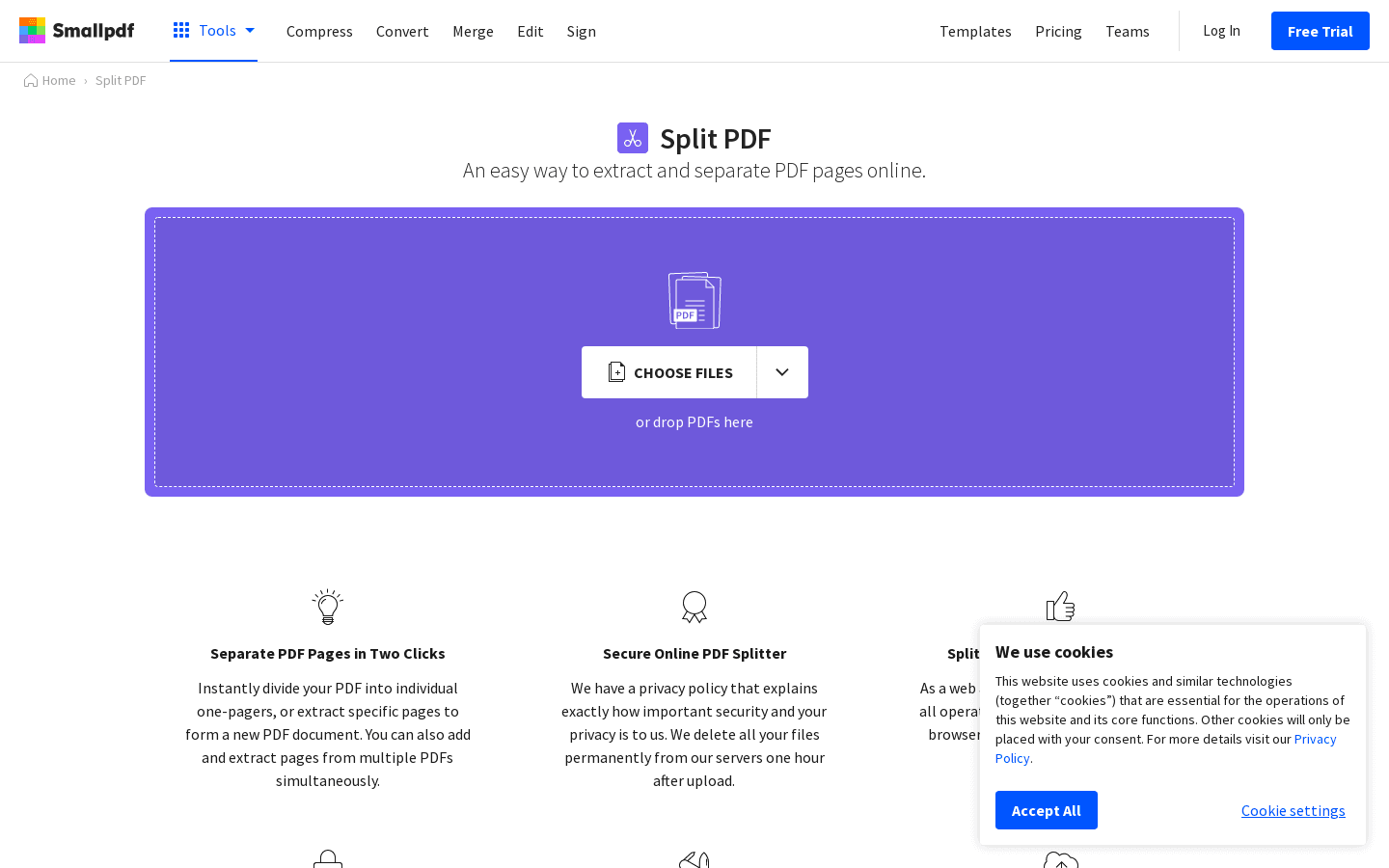
Split PDF is an online service that easily extracts or separates pages in PDFs for free. It offers a secure PDF splitter, which can be used without creating an account. With around 1 million monthly visits, it allows users to split PDF pages on any platform.

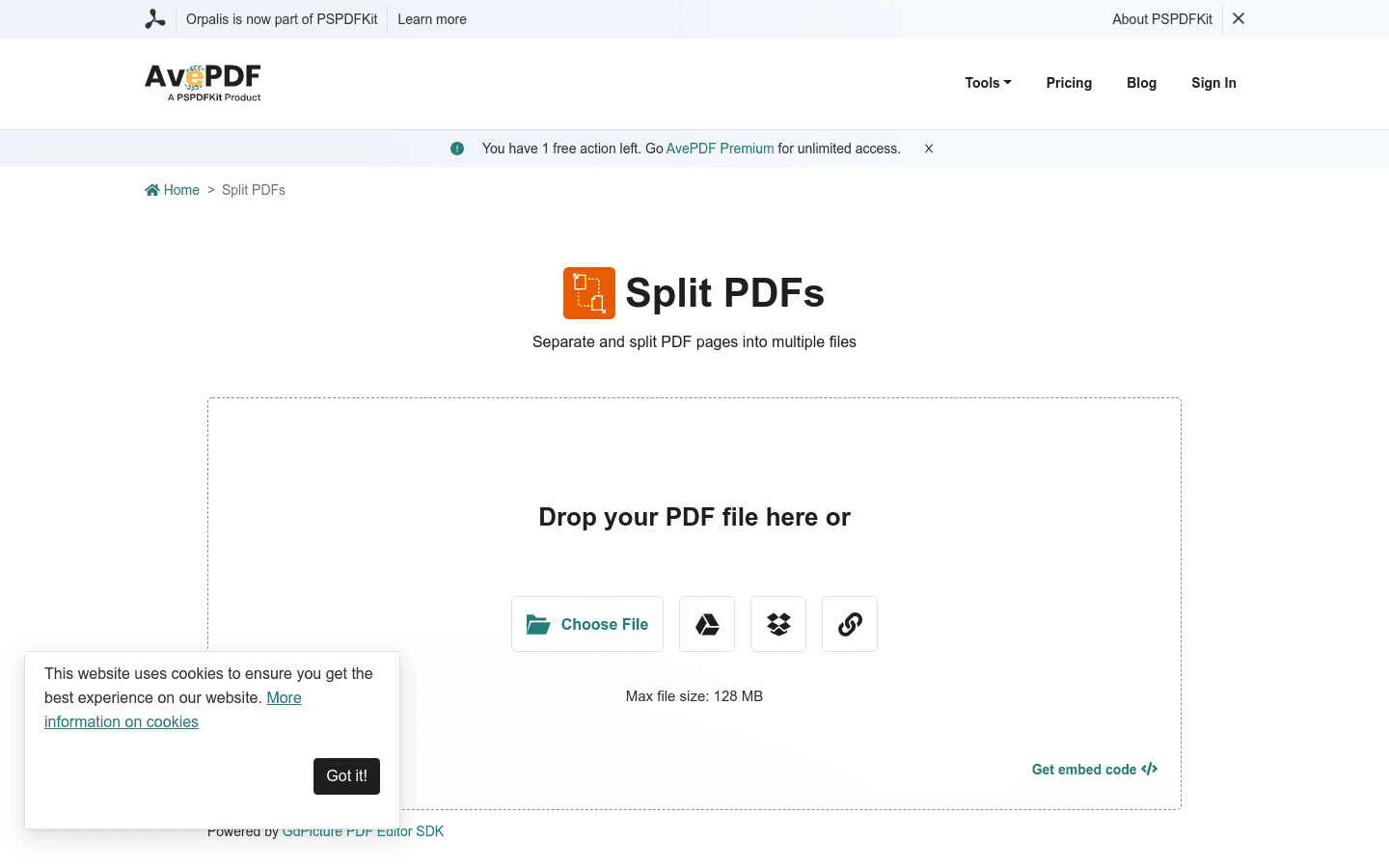
Split PDF is a free online tool that allows you to split your PDF pages into multiple files. Simply upload your PDF and select the pages you want to split. No software or signup required. Safe and secure with automatic deletion after 30 minutes.

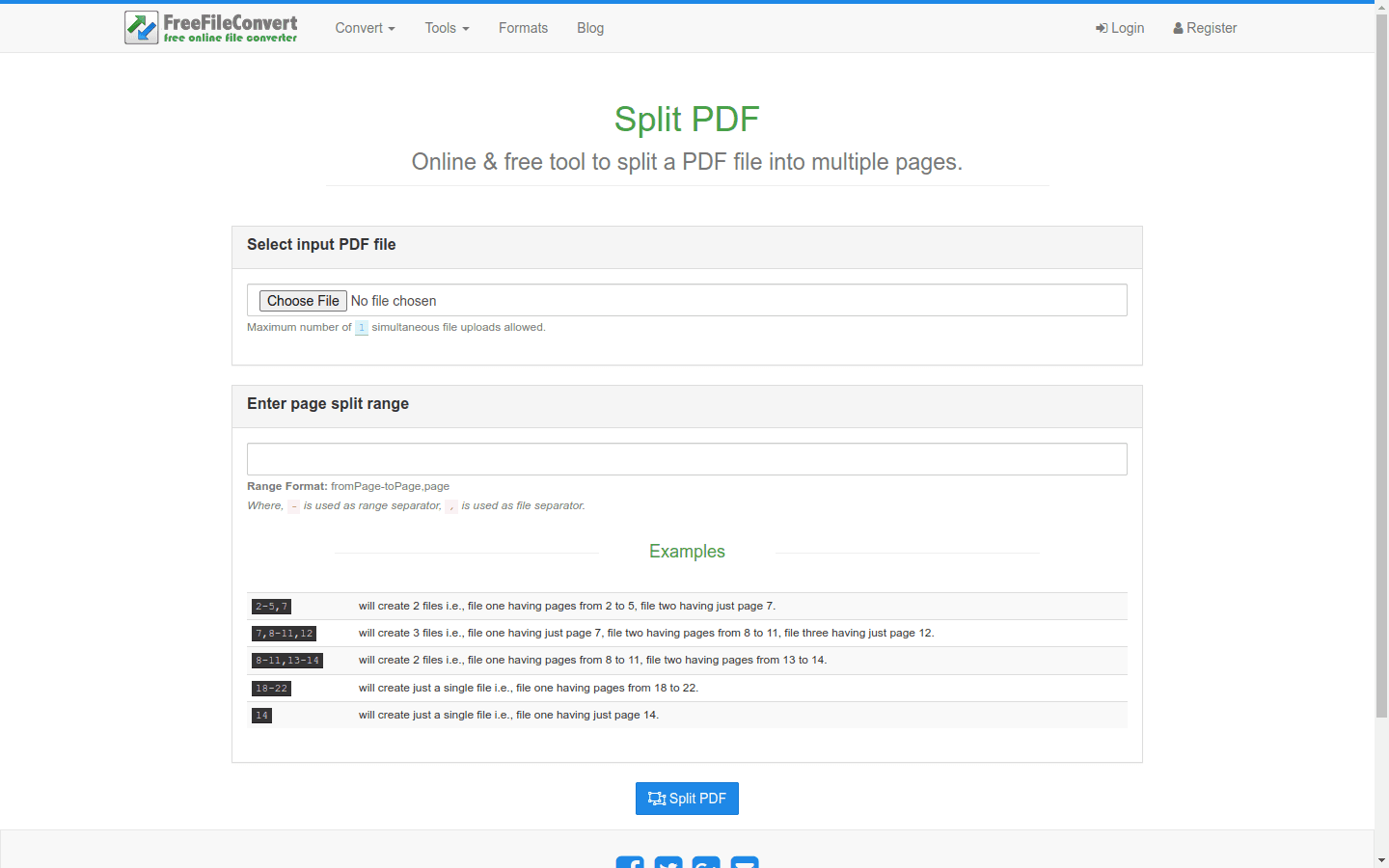
Split PDF Online is a free website tool that lets you easily split a PDF file into multiple pages without needing to download any software. Simply select your input PDF file and enter the desired page split range.